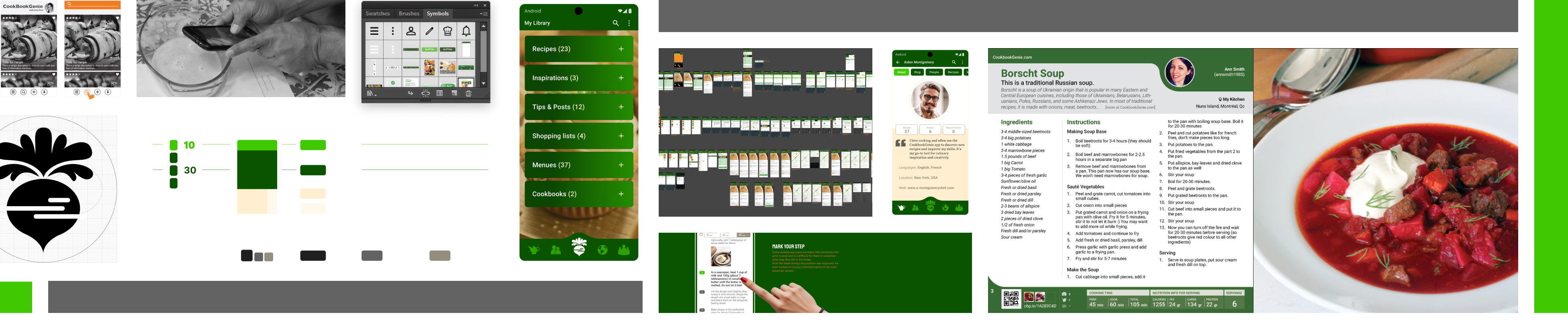
The UX Process: Designing Hands-On
From Theory to Practice: The Kitchen as a UX Lab
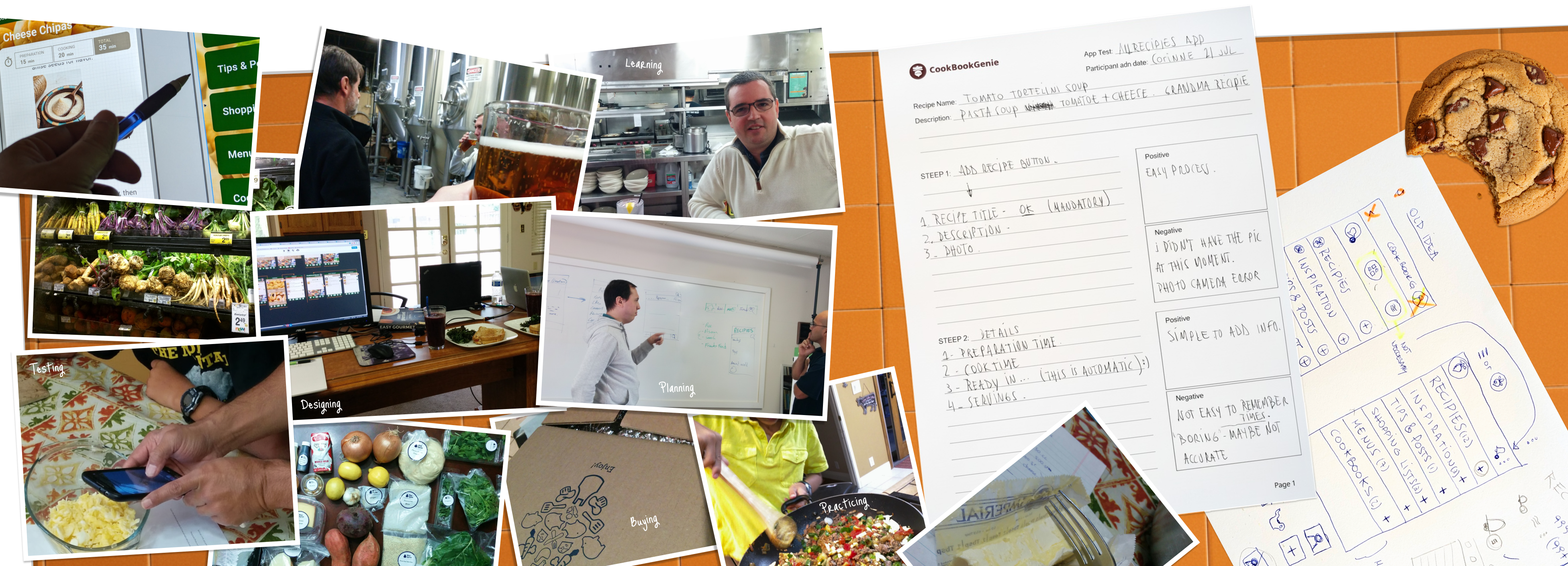
For CookBookGenie, my design philosophy was based on a simple truth: you cannot design a cooking application solely from the comfort of a desk. Unlike other projects, empathy here wasn't just built through interviews, but through experience. It was necessary to understand the context, the flow, and even the chaos of a real kitchen. My role, therefore, was to get my hands dirty, transforming the kitchen into a true usability lab to find authentic solutions.
Competitive Analysis: Discovering the "Mobile-First" Opportunity
CookBookGenie's objective had a unique bonus: creating physical books. But I understood that this goal would fail if the initial task, creating a recipe, was frustrating. To understand the landscape, I conducted an evaluation of the leading apps of 2015 (Allrecipes, BigOven, Paprika, etc.). I organized sessions where close collaborators and I created recipes, and the result was clear: the process was mostly clumsy, fragmented, and not designed for mobile. This revealed our strategic opportunity: to create the first truly "mobile-first" recipe creation experience.
Research in Context: The Trial by Fire in the Kitchen
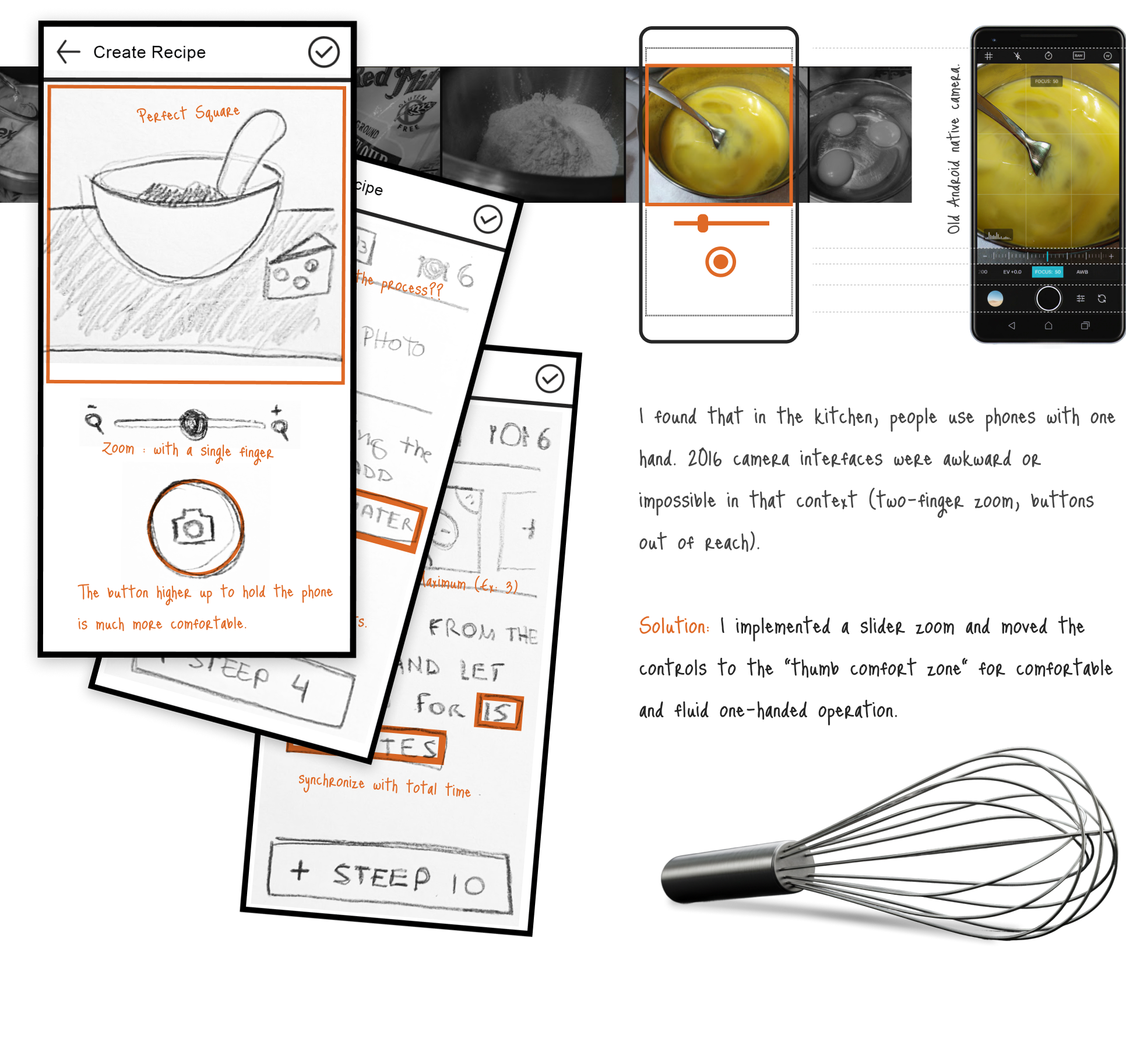
The most revealing idea wasn't born in a wireframe, but in action. To simulate the app in an era before Figma and its mobile prototyping existed, I remember creating a paper prototype of a phone and using it alongside my mobile and its camera while I cooked. This usability test in its purest form was a before-and-after moment. Trying to use the prototype with sticky, flour-covered hands—following steps, writing, and taking photos—gave me a clarity that no brainstorming session could have achieved. Crucial usability decisions, like the size and simplicity of buttons, or the need for a "swipe" navigation with simple, clear steps, became instantly evident, validated by the real-world context of use.
Broadening the Spectrum: The Value of Diverse Perspectives
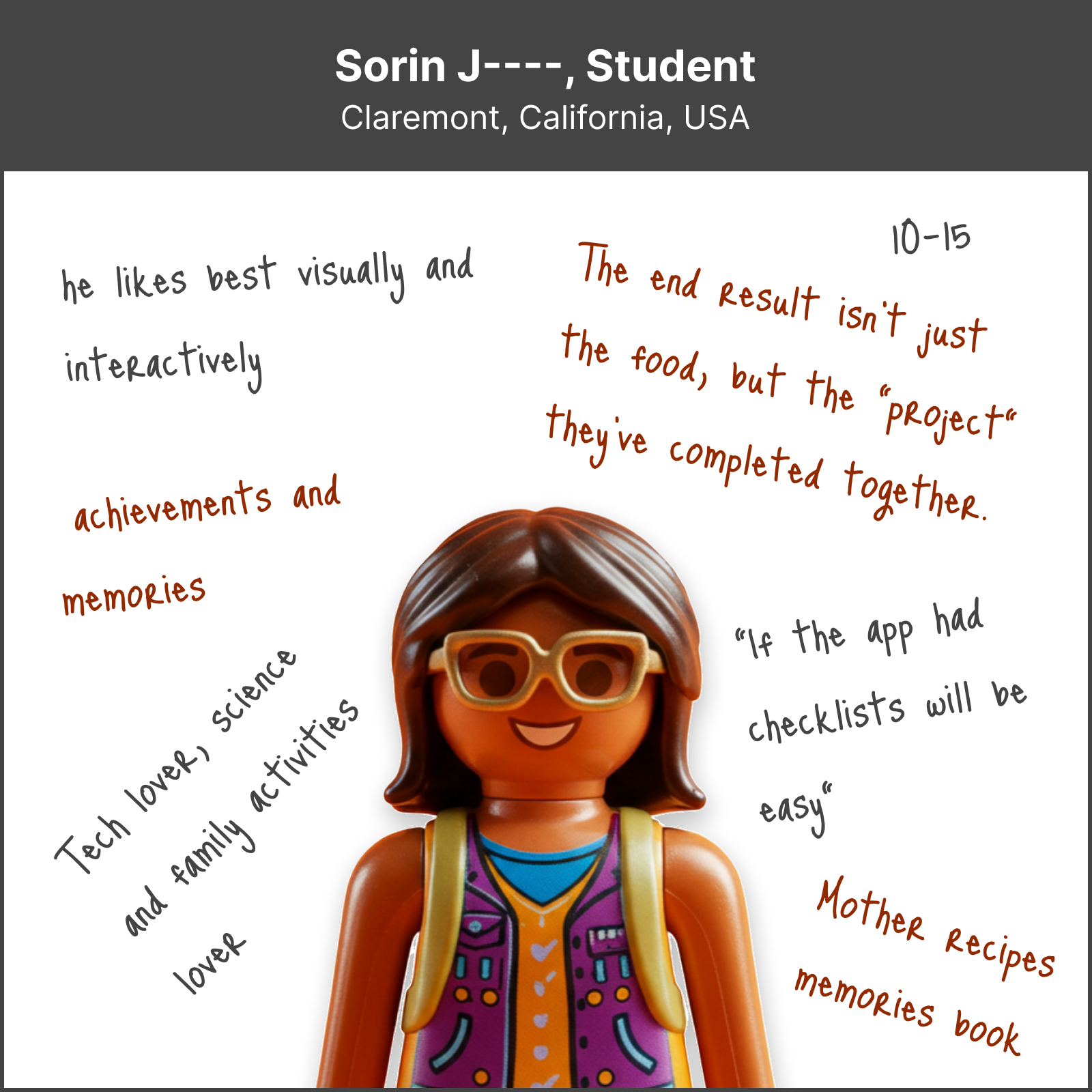
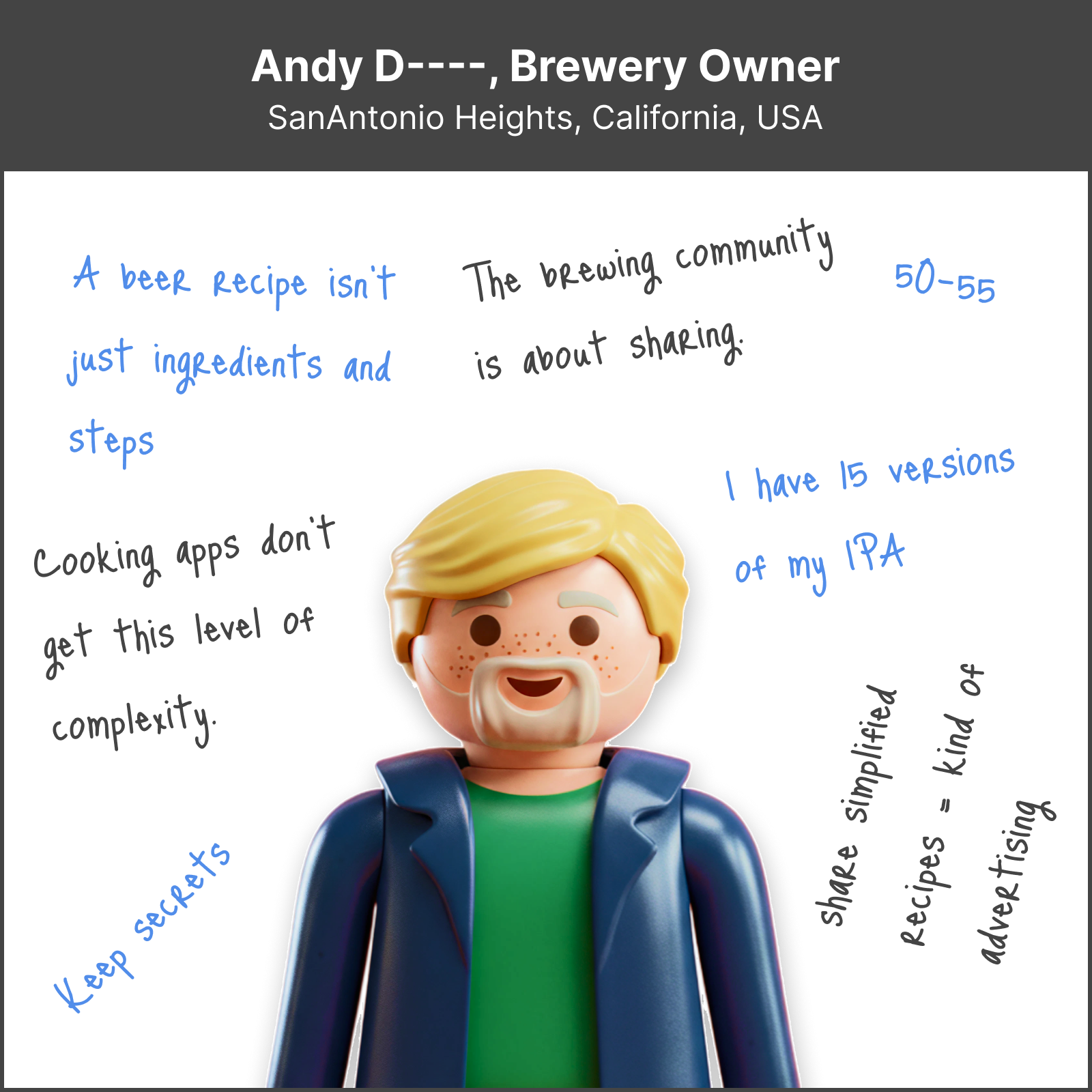
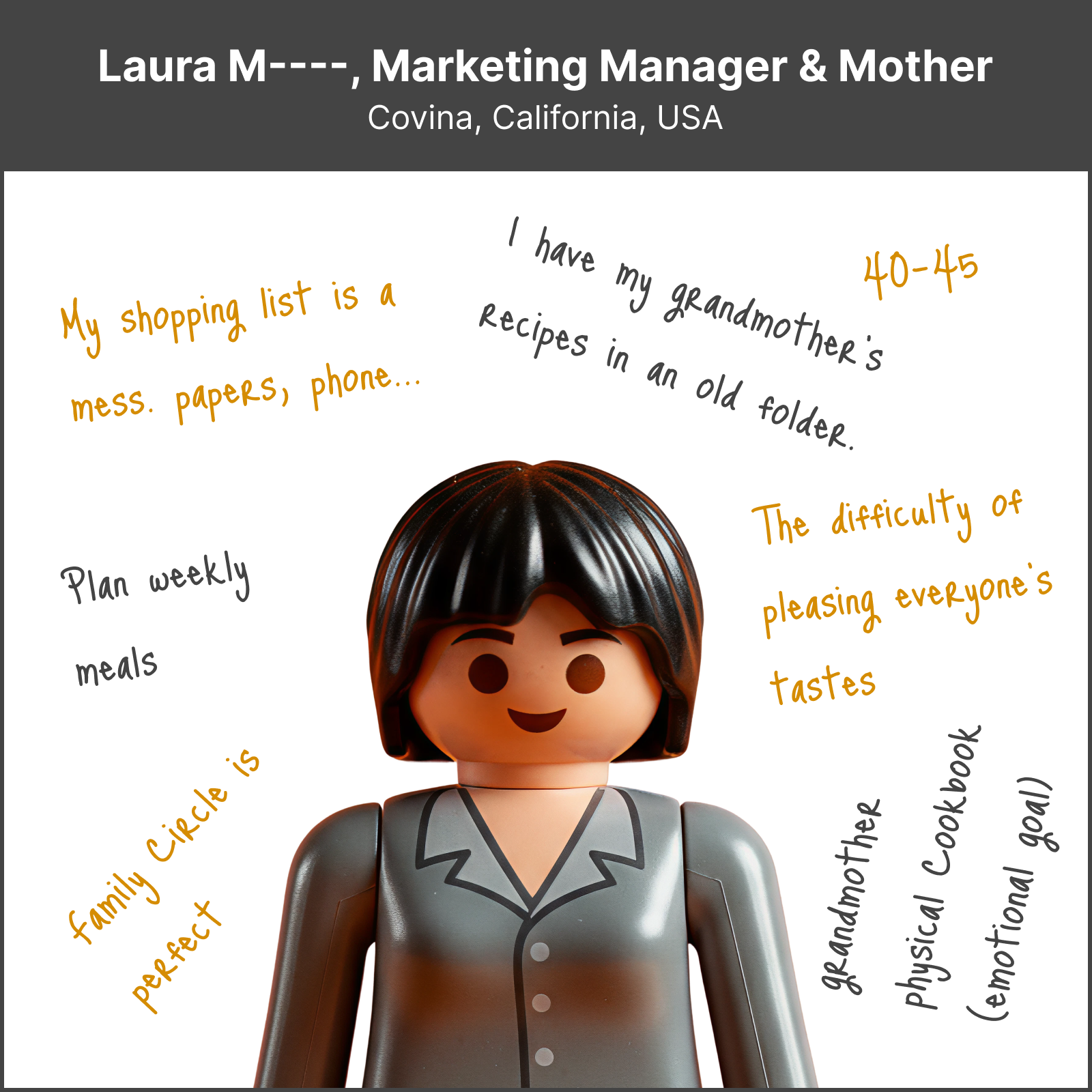
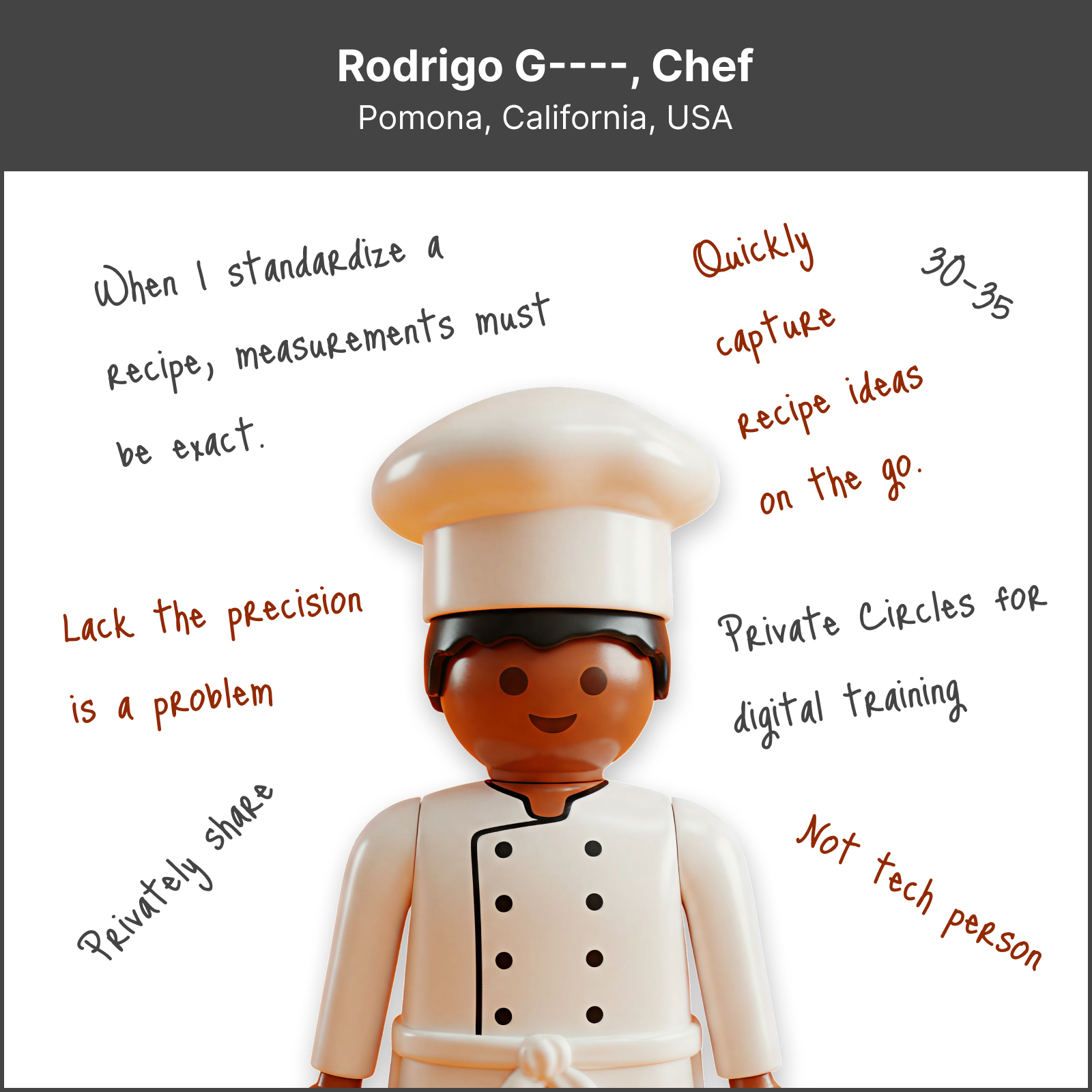
To design a truly flexible tool, our research went beyond the average user, exploring the extremes of the culinary spectrum: from amateur cooks to professional chefs and even a craft brewer.
The most valuable discovery was how different personas viewed the same features through entirely different lenses. While the amateur cook was drawn to the idea of cooking as a fun, social activity and building a family cookbook, the professional chef immediately identified a different potential in the same tools: business consistency, recipe precision, and menu organization.
A concrete example emerged when a chef explained how he reuses a set of base sauces across multiple dishes. This insight, which an amateur would have never provided, inspired us to design a system for "sub-recipes" or reusable components. This depth of research was crucial for designing an information architecture that was simple enough for the casual user, yet powerful enough for the professional.
The Power of Active Listening: From Need to Functionality
As in other projects, the indispensable rule for me was to listen. By prioritizing active listening in our interviews, we discovered answers to questions we hadn't thought to ask. These discoveries gave rise to CookBookGenie's most valuable features. To give a few examples of user needs from those conversations:
-
"I have many handwritten family recipes, can they be transferred to the App?"
Conceptualized Solution: From this question, we designed a "Recipe Scanner" feature. Leveraging the ICR (Intelligent Character Recognition) technology available at the time, the user could take a photo of a handwritten recipe, and the app would transcribe it into digital text.
-
"I don't like having to recalculate ingredients for more people, I'm not good at math."
Conceptualized Solution: We created the "Serving Calculator" tool, which would automatically adjust all ingredient quantities, eliminating a key friction point identified directly by users. It seems simple, but at that time, apps didn't have this useful tool.
-
"When I go to a restaurant and like a dish, I struggle to remember the ingredients."
Conceptualized Solution: We created the "Inspirations" section, which allowed users to take photos and notes of ingredients with the App to later try to replicate or create a variation of that recipe.